
Share custom scenarios to your sandboxes and other linked orgs using DemandTools V Release. Log in to my.validity.com to get your upgrade today.


Experience DemandTools V Release

Log in to My.Validity.com today to get your free update to DemandTools V Release
Don’t have a MyValidity account yet? Contact our Customer Support team at [email protected] and they’ll get you set up.
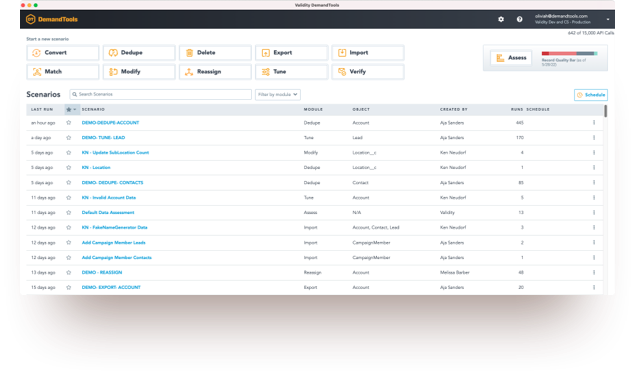
Use your MyValidity account to:
- Submit feature requests for DemandTools V Release
- Open a support case
- Invite others to use DemandTools
- Manage which Salesforce orgs are on your account
- Access product downloads and free trials
Application Support
User Guide
Comprehensive help documentation with a step-by-step guide and glossary for all DemandTools’ modules
Community
Explore this resource hub for solution articles, self-paced training, peer-to-peer collaboration, and more!
Technical Support
Enter a support ticket for technical assistance. Live agents are standing by ready to help
Important Notice
Notice: The help link URLs found throughout DemandTools have been updated to point you to more valuable content in our new Help Center. After clicking a help link, you will be required to log in to your Validity account to continue to the content. If you haven’t completed your Validity account setup you can do that on the sign-in screen by entering your business email and clicking “Don’t remember your password?”. Then, follow the prompts to generate a password reset email. Please contact support if you have any questions about accessing your Validity account.